Bubble Clock
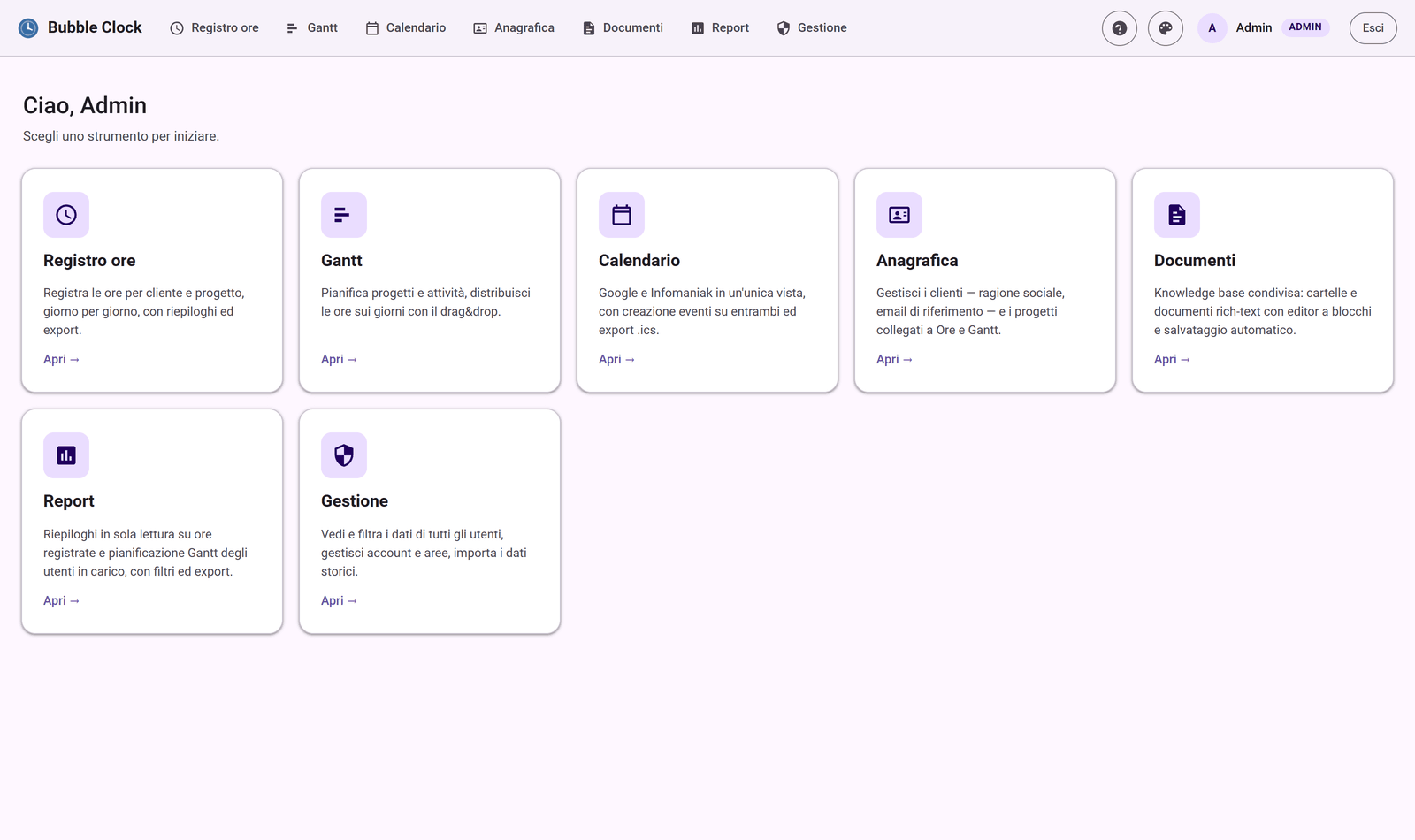
Born from the two things we actually needed — a simple Time Log and a Gantt — and grown into a multi-user web app with a unified calendar (Google and Infomaniak), a shared clients registry, internal documents, reports and four roles with per-area permissions.
Why I built it
Bubble Clock was born after we ran into some friction using ClickUp, which for the way we work felt overloaded with features and too complex. So I decided to start again from the two things we actually needed — a simple Time Log and a Gantt — and from there grew what is now Bubble Clock: an application to manage the hours and weekly workloads of everyone working in the company. Around those two modules we then added the Calendar (Google and Infomaniak in a single view), the shared registry of clients, brands and projects, and an internal Documents knowledge base.
Rounding it all off there are a reporting area and the ability to import data from Dipendenti in Cloud, to check that the hours logged in the Time Log match the clock-ins recorded in Dipendenti in Cloud.
Screenshots
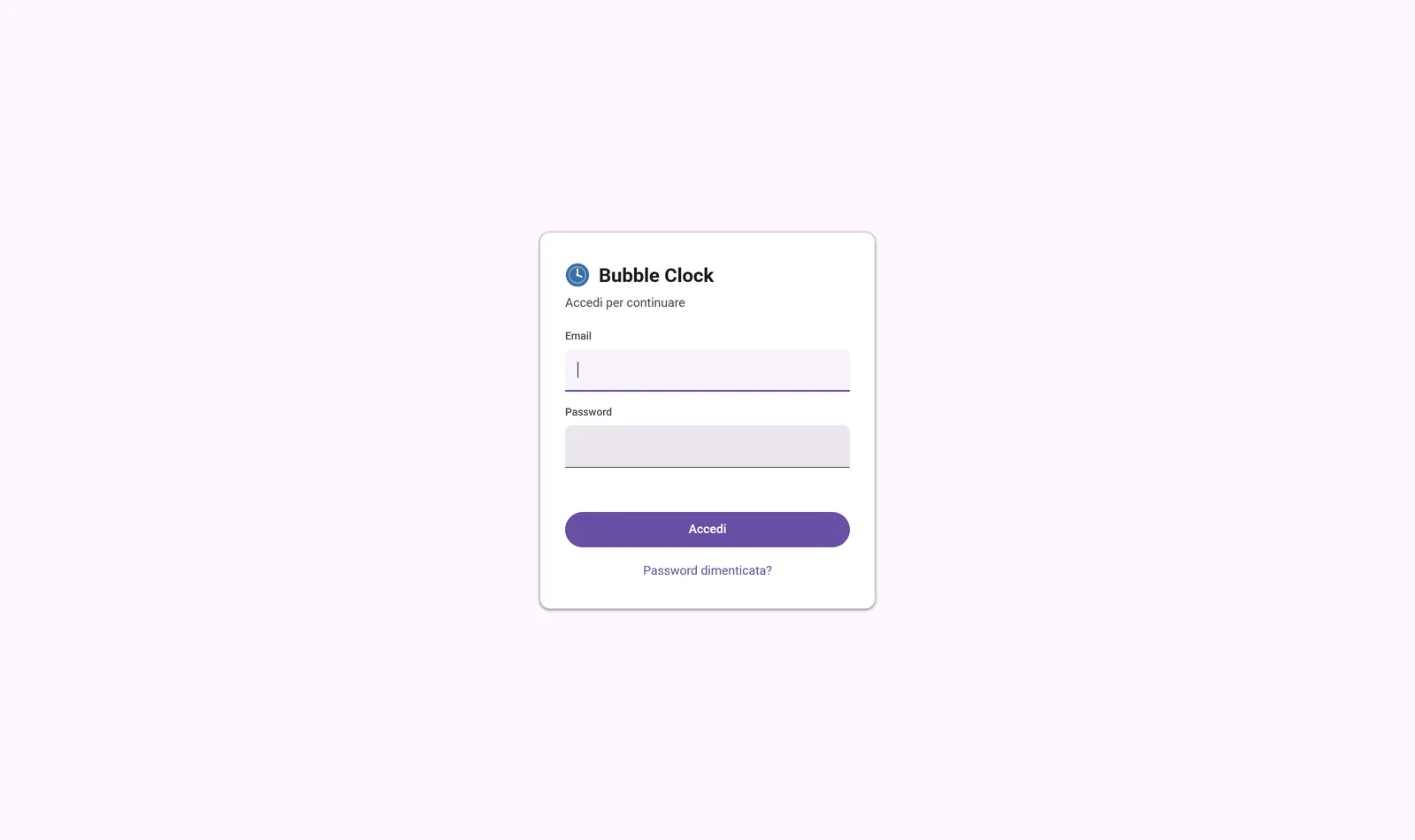 Sign-in, with password recovery via email.
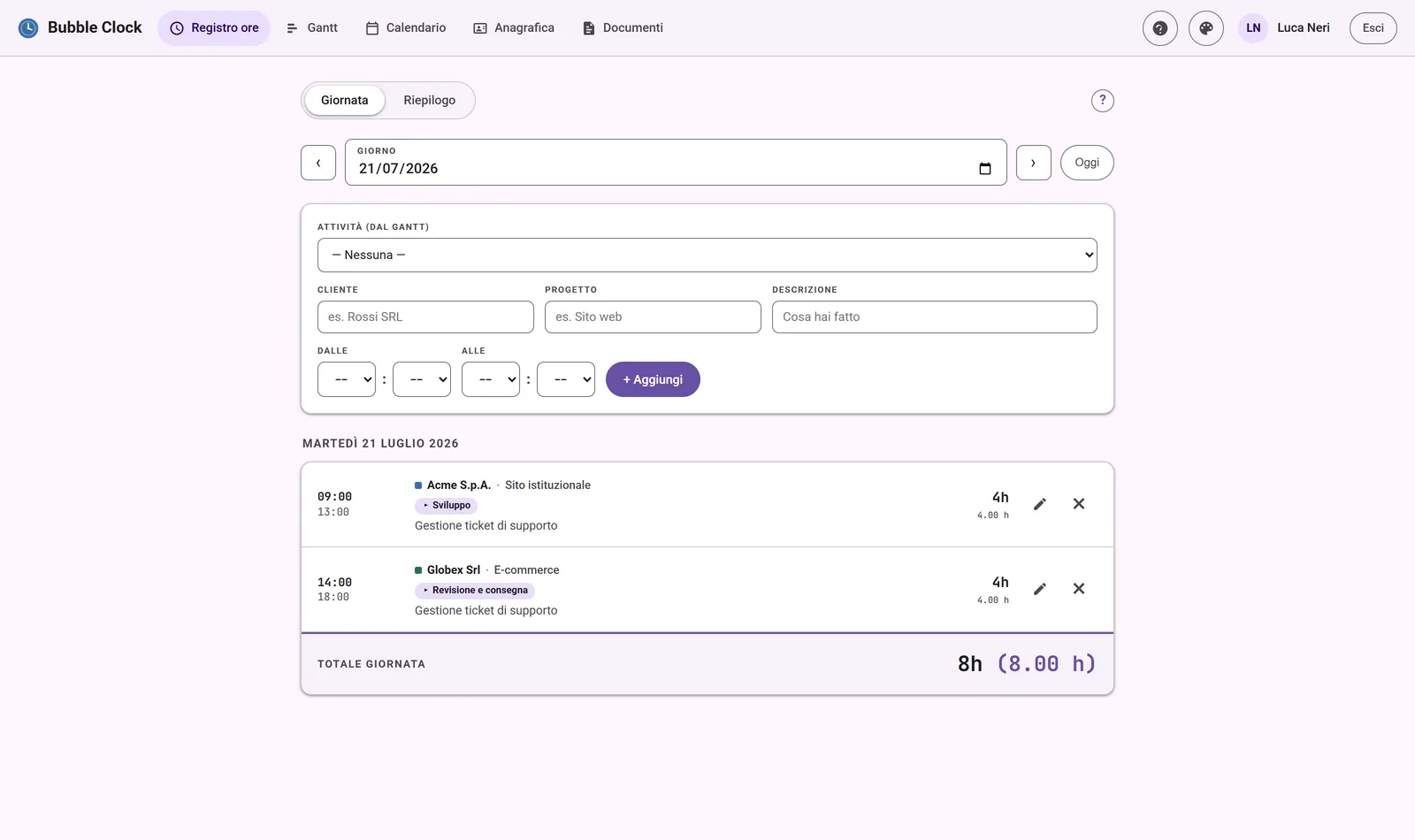 Time Log: the day view, with activities from the Gantt.
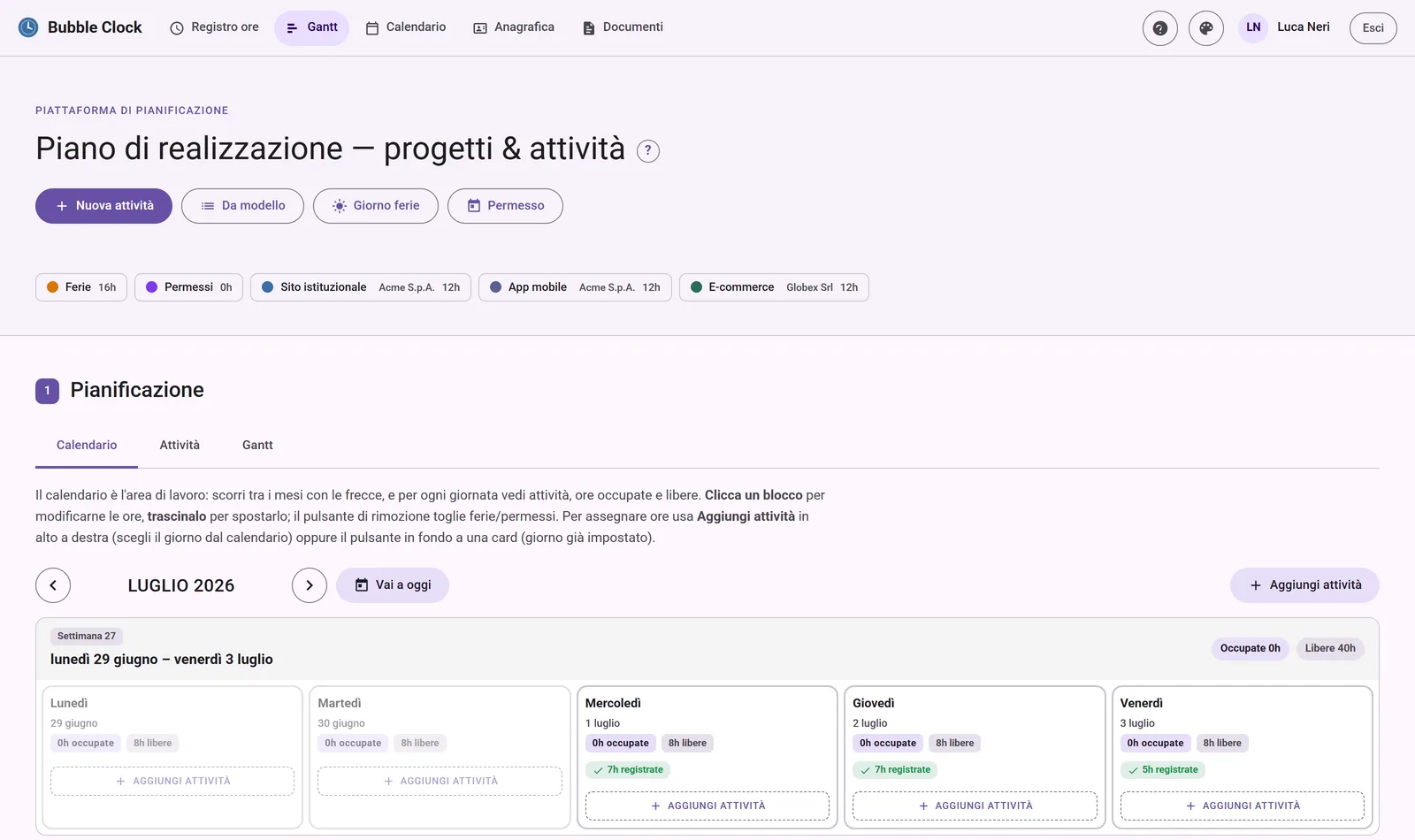 Gantt: planning hours across days, holidays and leave.
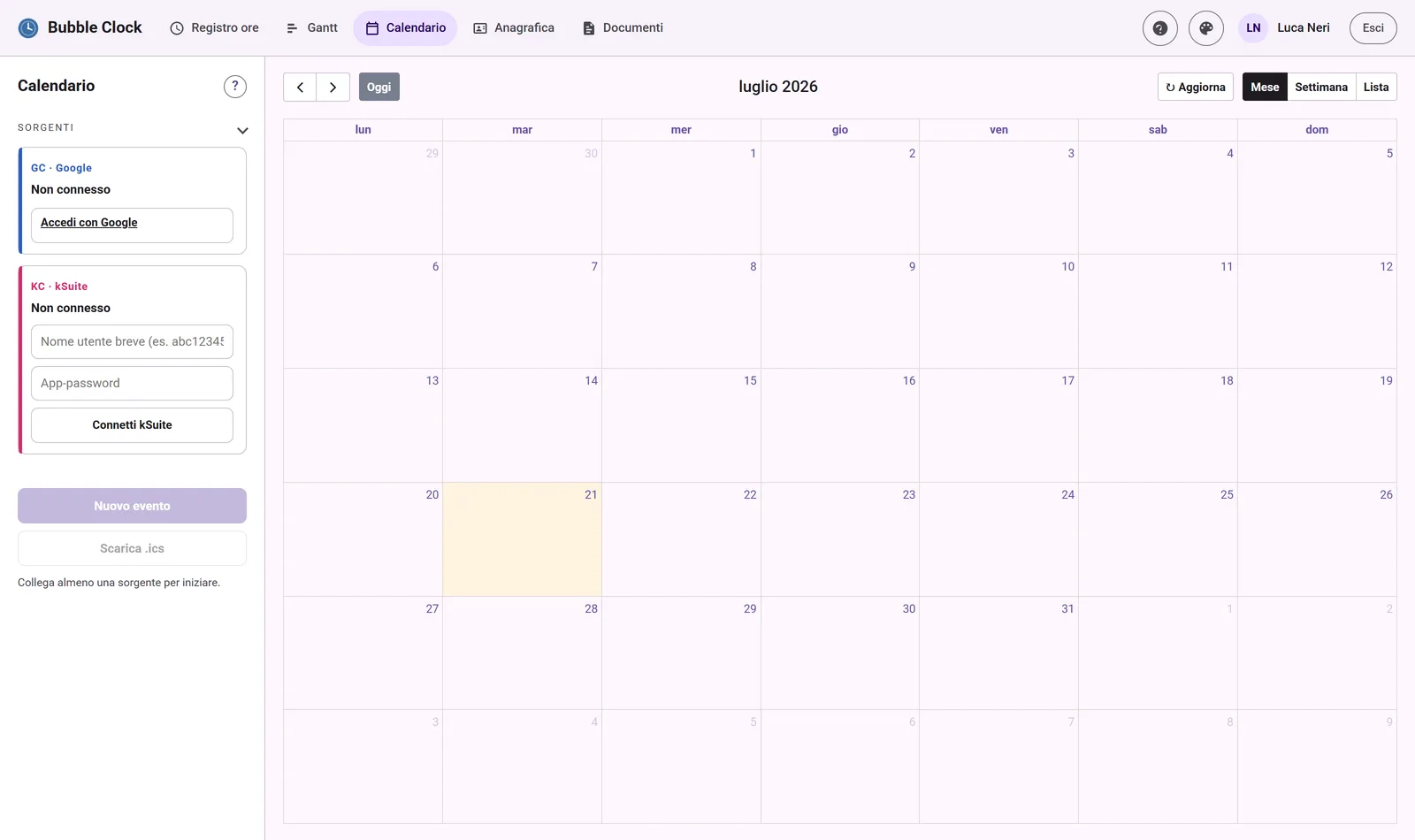 Calendar: Google and Infomaniak kSuite in a single view.
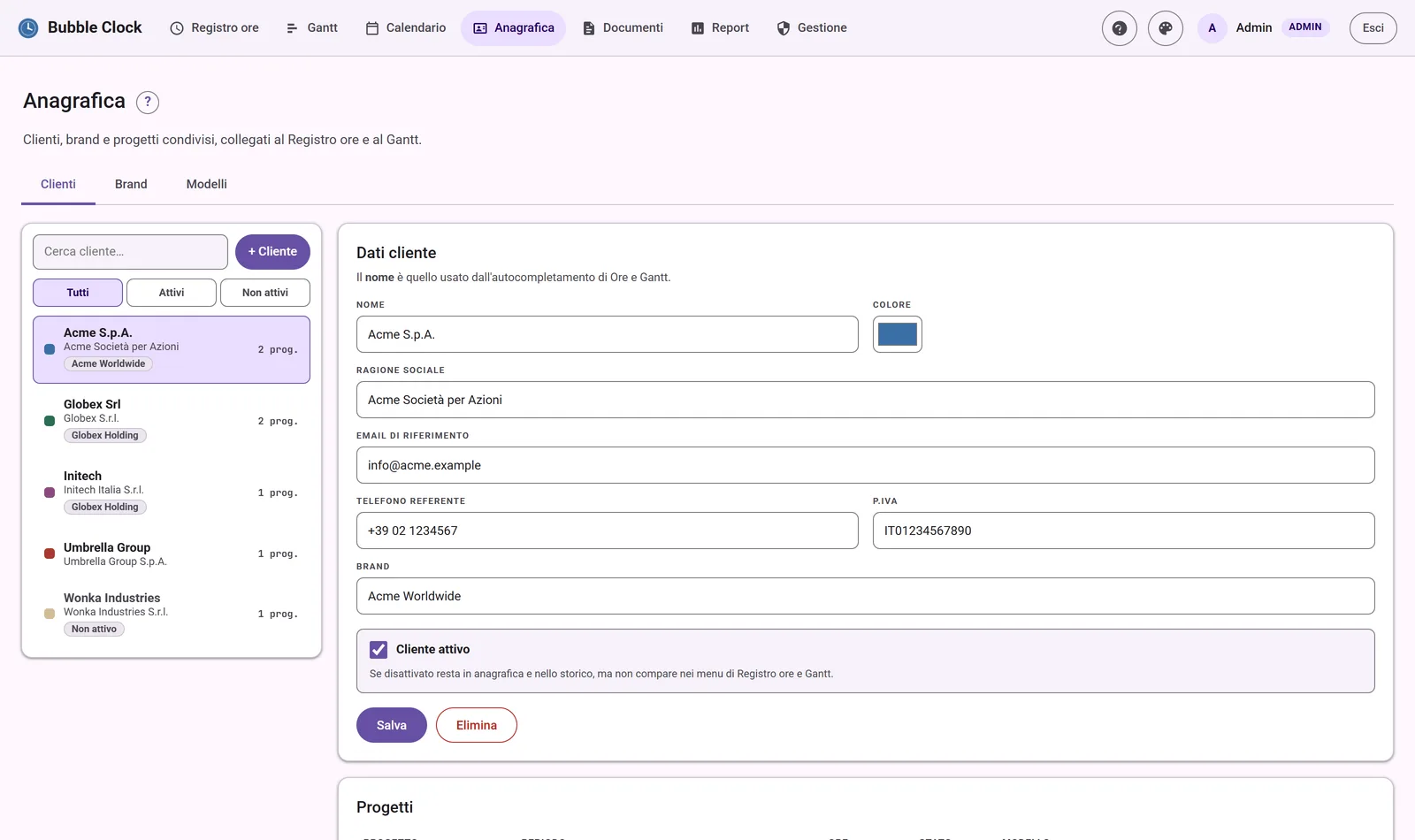 Clients registry: client data, brand and linked projects.
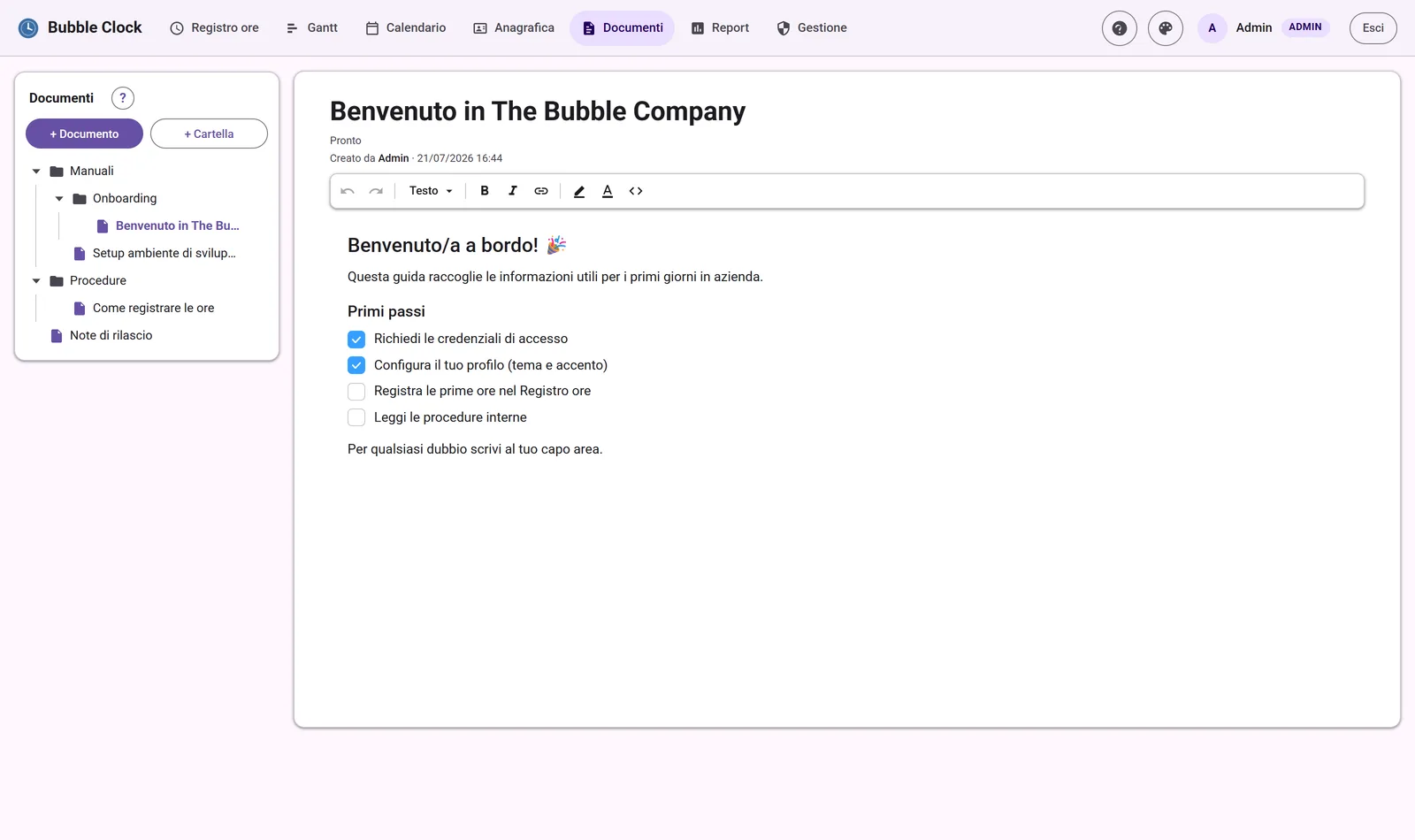 Documents: knowledge base with block editor.
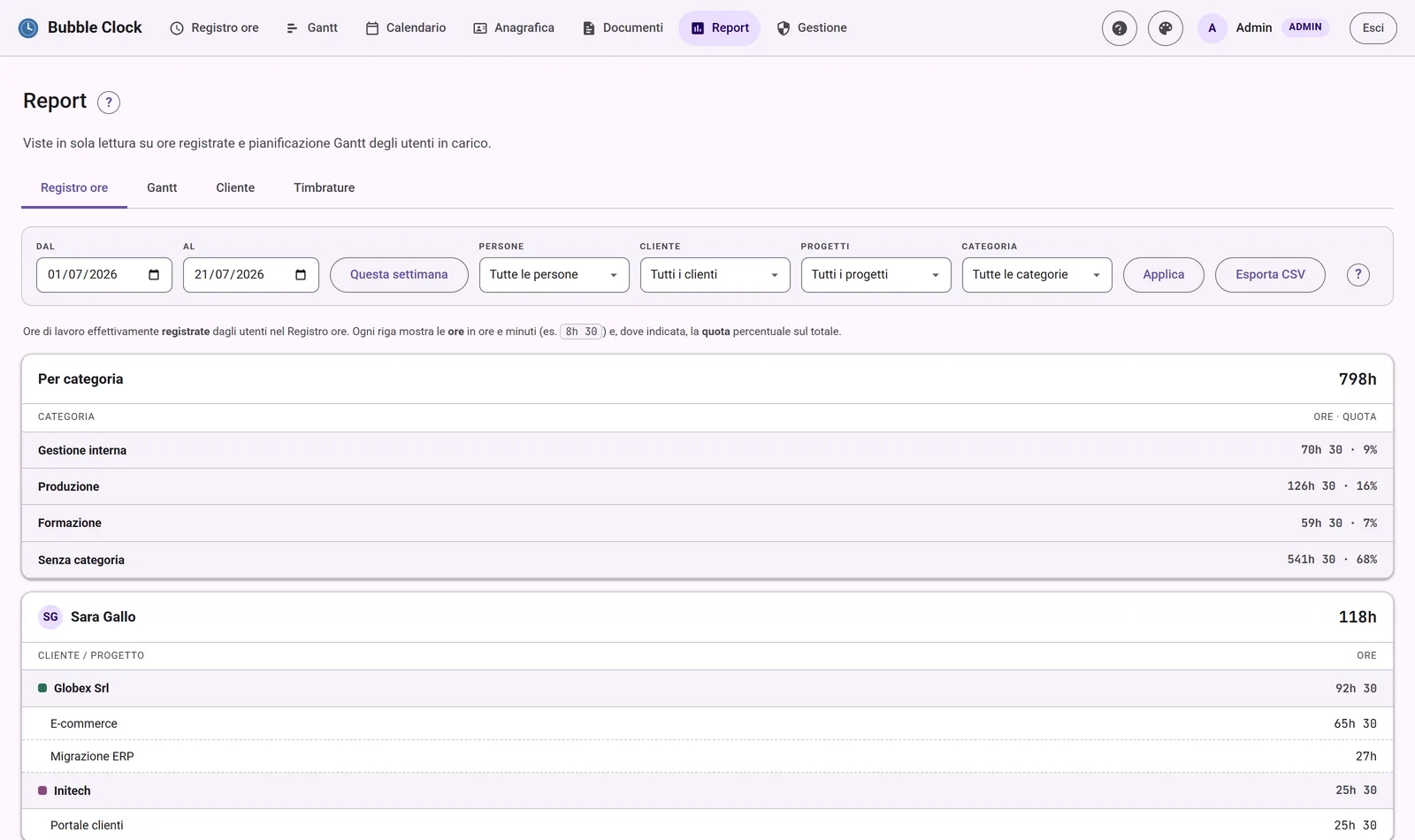 Reports: hours by category and by person, with CSV export.
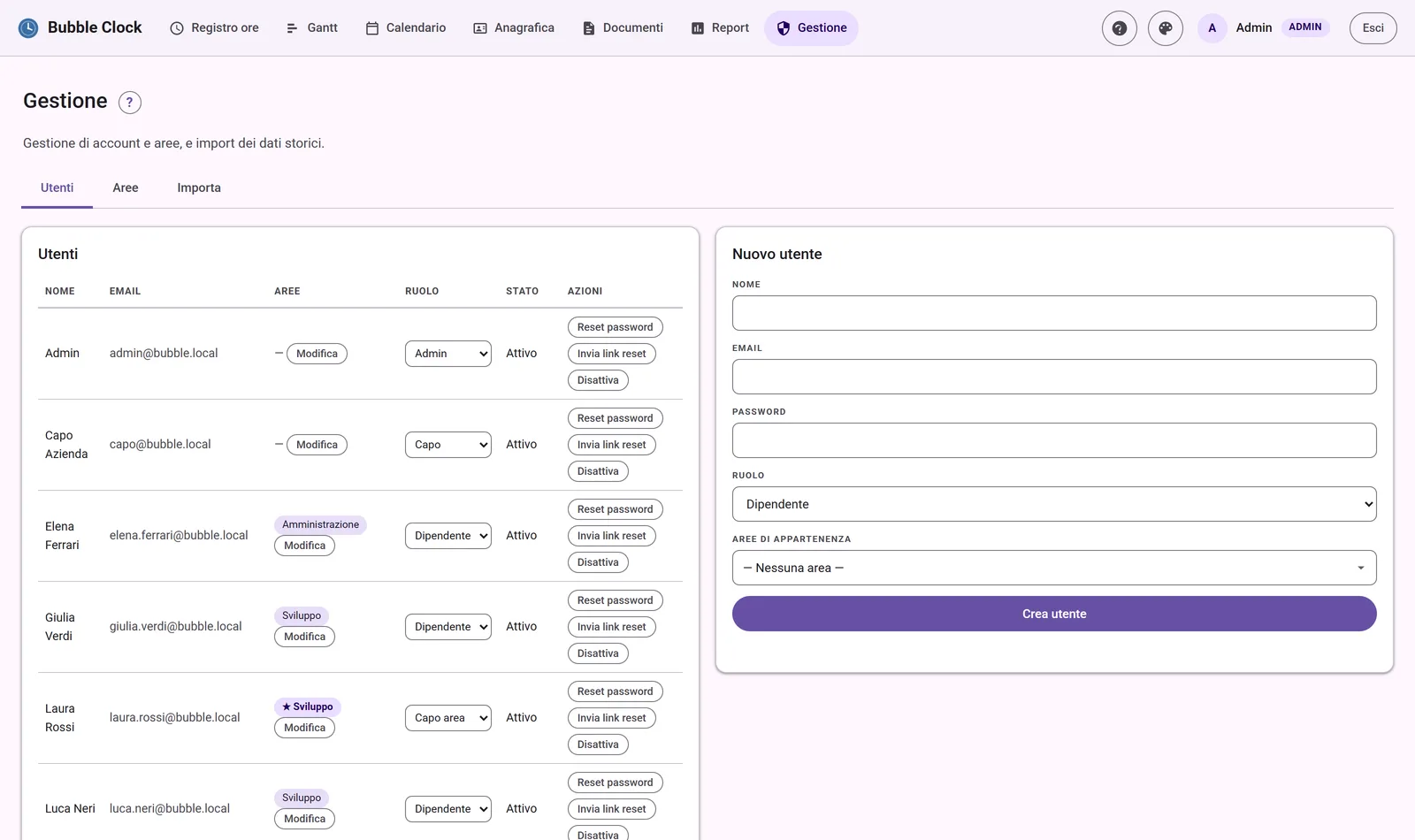 Management: users, areas and imports (Dipendenti in Cloud).
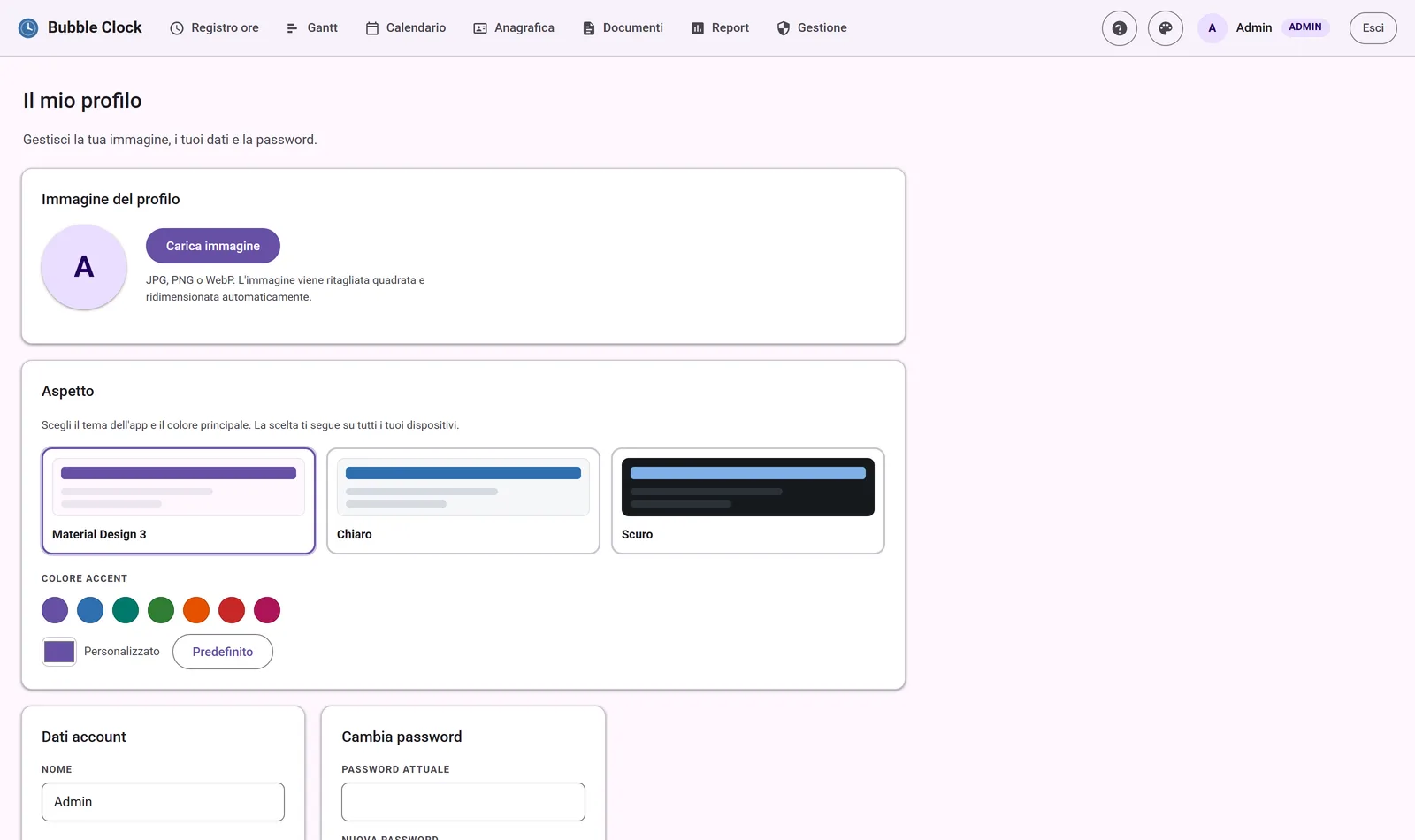 Profile: picture, theme and accent color.
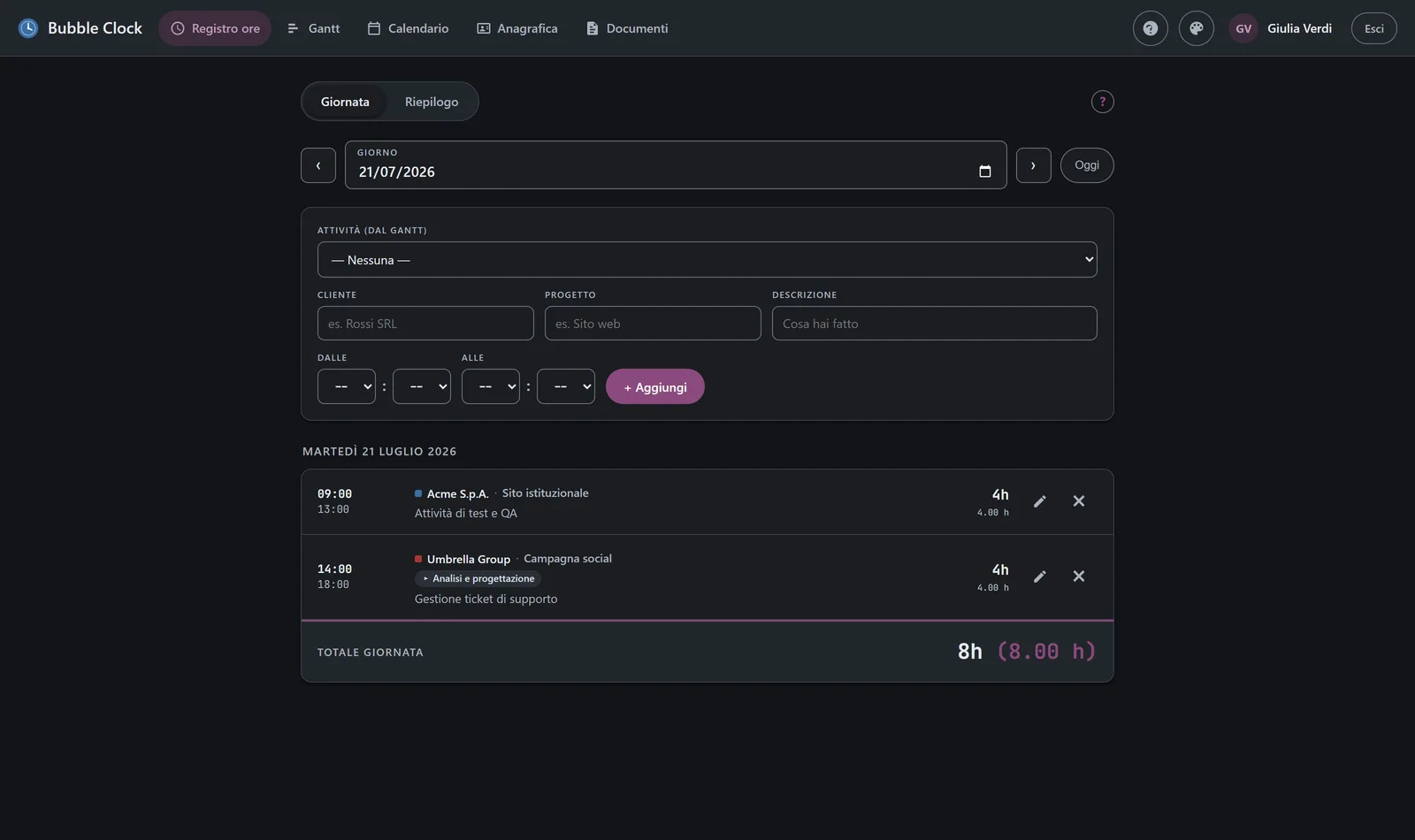 The per-user dark theme (Time Log).
Tech stack
The core choice was PHP: it lets us host the app on SiteGround, the service we already use for our WordPress sites, without adding any new infrastructure. (The first prototype was written in Node.js and was ported to PHP precisely so it could run on SiteGround’s shared hosting.) Since nothing complicated was needed, this path let us keep everything as simple as possible: no build step, no frontend framework, few dependencies.
In detail:
- Backend — PHP 8 with the Slim 4 micro-framework (routing and middleware), PHP sessions for login, passwords protected with bcrypt hashing.
- Database — MySQL in production (on SiteGround) and SQLite for local development, sharing the same code thanks to PDO.
- Frontend — plain HTML, CSS and JavaScript: no framework, no build step. Navigation is single-page with a shared shell; the UI follows Material Design 3, with light/dark themes and a per-user accent color.
- Libraries — FullCalendar for the Calendar and Editor.js for the block editor in Documents (both vendored locally in the project); on the PHP side, Google API Client (OAuth for Google Calendar), sabre/vobject (CalDAV/iCal for Infomaniak kSuite) and PHPMailer (password-recovery emails).
- Integrations and data — import of clock-ins from Dipendenti in Cloud
(Excel
.xlsxfiles), CSV export for reports and.icscalendar export. - Quality and deploy — code on GitHub with a PHPUnit test suite and CI (lint + tests on every push); deployed to SiteGround shared hosting.
Roles
Bubble Clock is multi-user, with four roles in hierarchical order: Admin, Capo (company lead), Capo area (area lead) and Dipendente (employee). People are organised into areas (e.g. Development, Design, Administration): a user can belong to several areas, and an area lead can manage more than one.
- Employee — the base role: logs their own hours, plans their own Gantt, connects their calendars and uses the shared Clients registry and Documents. They only see their own data.
- Area lead — everything an employee can do plus, limited to the areas they manage, Reports and the Management console: read-only access to their members’ hours and Gantt, account management (new users, password resets, activate/deactivate) and historical-data imports. They cannot create or edit areas, nor change roles.
- Capo (company lead) — has the same powers as the Admin over all areas and all users, but with a reduced navigation designed for someone who doesn’t log hours: they only see Calendar, Clients registry, Reports and Management (no personal Time Log or Gantt).
- Admin — full access: every module, every user and every area (create, rename, colour, delete), role changes and imports.
Permissions are enforced both server-side and in the UI: an employee who tries to open Reports or Management is simply sent back to the home page.