Lighthouse
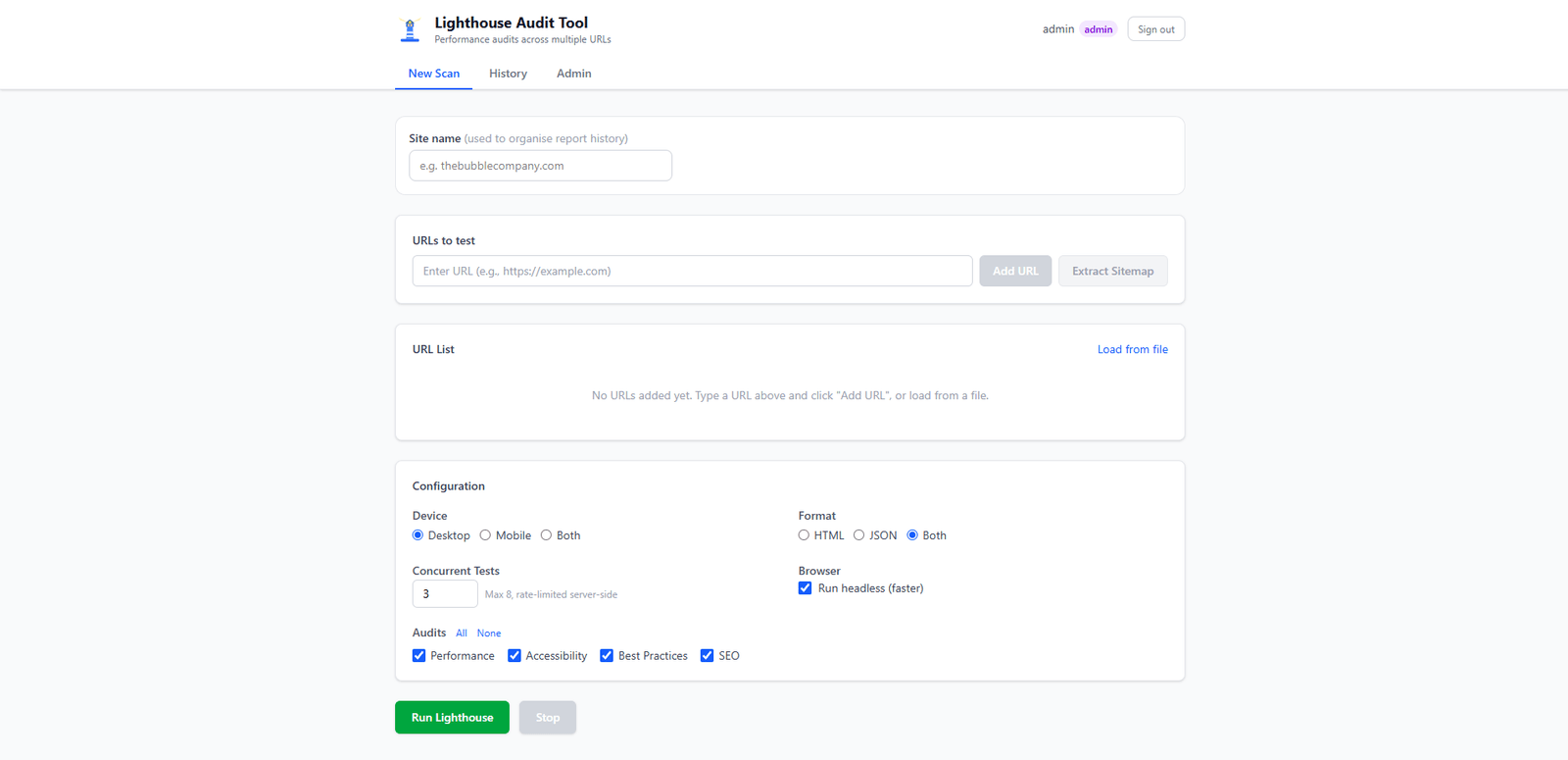
A tool for the web team that runs the official Lighthouse CLI across whole sections of a site — up to 200 pages per scan, with up to 8 tests in parallel — complete with Yoast sitemap import, per-user scan history and an admin panel.
Challenge I solved
Auditing a 20-page site by hand means running Lighthouse 40 times (desktop + mobile for every page) and copying the scores into a spreadsheet: over an hour and a half of repetitive work. With this tool you paste the URLs — or import the sitemap — and about ten minutes later you have an aggregated report with average scores per device, thanks to 8 tests running in parallel.
Why I built it
This program was born from a remark I overheard at the office: a member of the web team was complaining about how tedious it was to go through a site page by page to check SEO, performance and accessibility. I decided to give them a hand by building this tool, which runs the official Lighthouse CLI (the same engine behind Chrome DevTools) and can scan up to 200 pages in sequence — a configurable limit — with up to 8 tests running in parallel. The concurrency cap, together with an internal rate limiter, avoids both overloading the machine running the tests (each scan spawns its own Chrome instance) and flooding the target site with requests. URLs can be entered manually, loaded from a file, or imported directly from a Yoast sitemap.
Screenshots
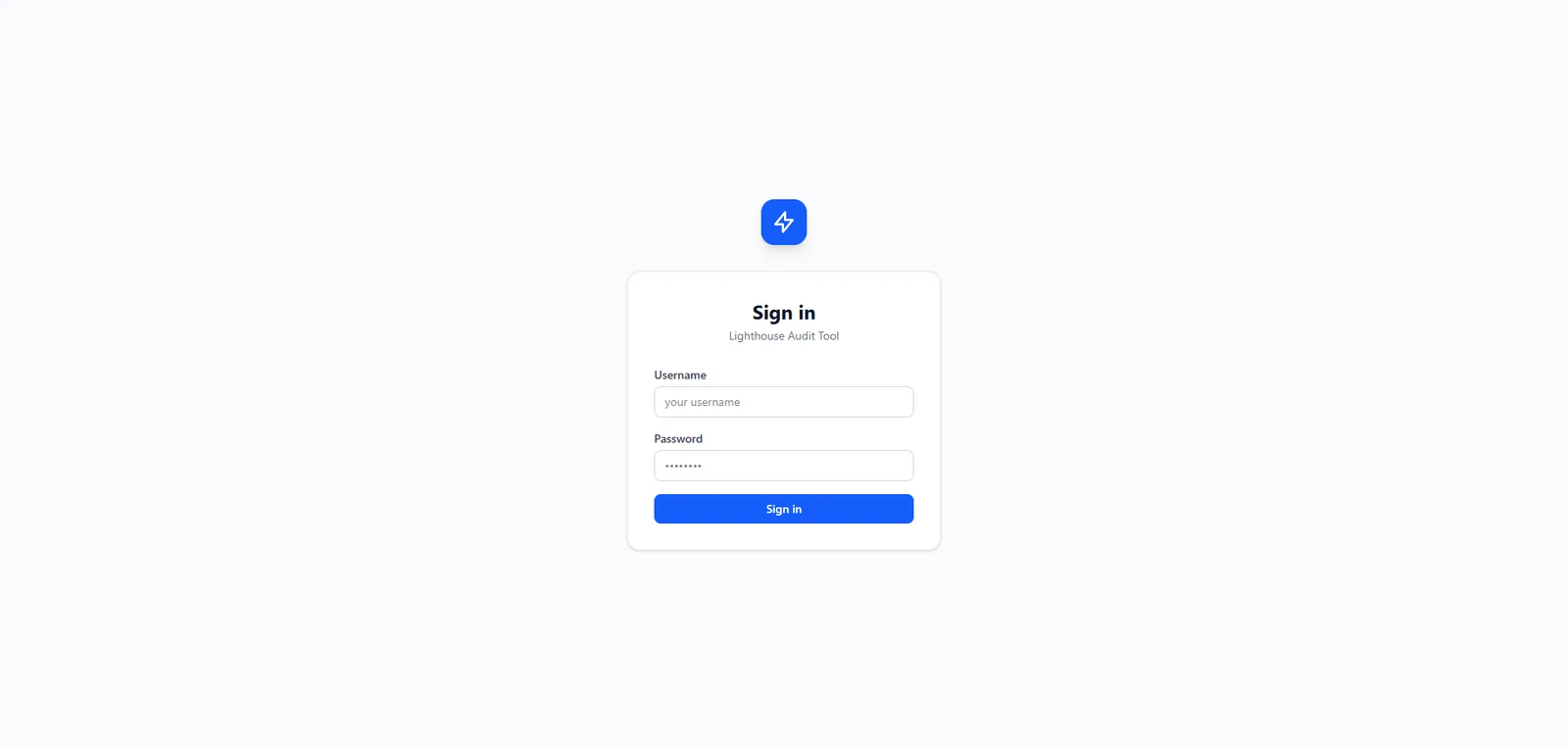 The sign-in screen: the app is protected by JWT authentication.
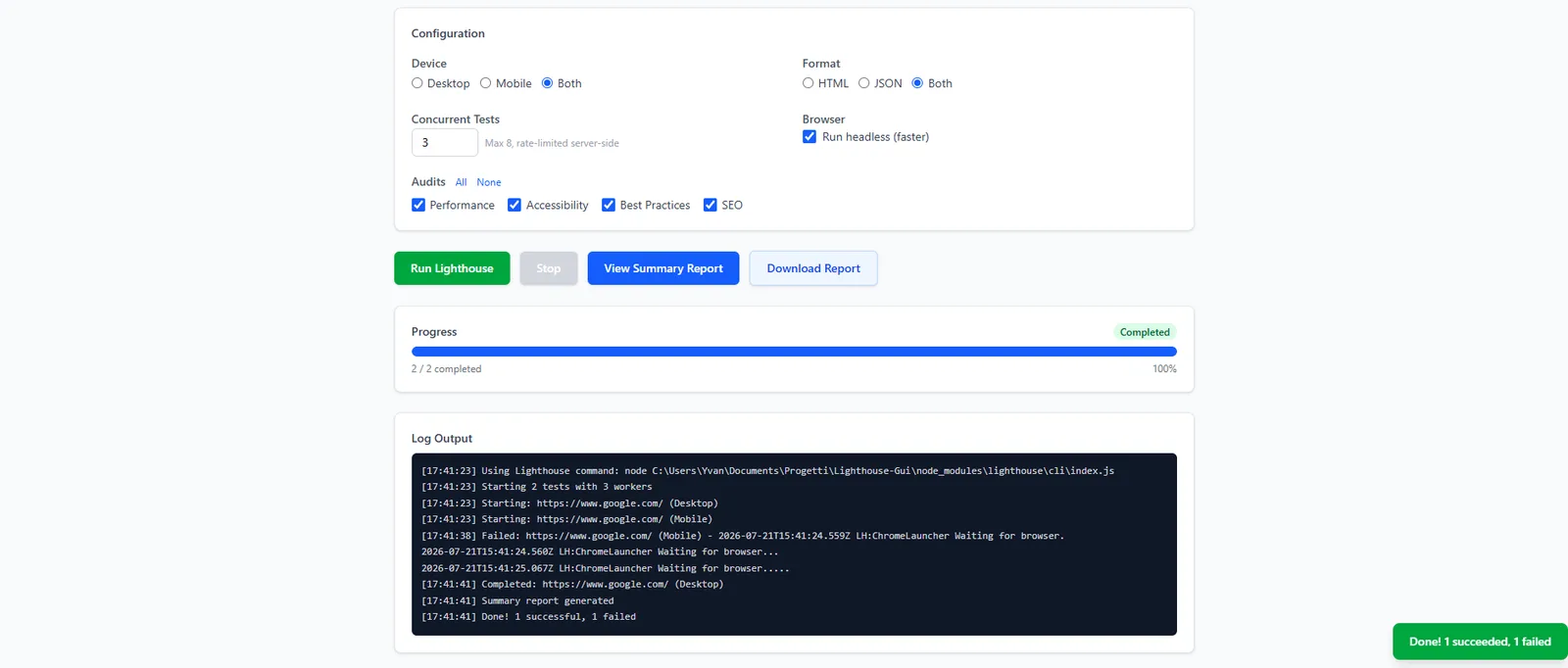 A scan in progress: progress bar and real-time log output from the Lighthouse CLI.
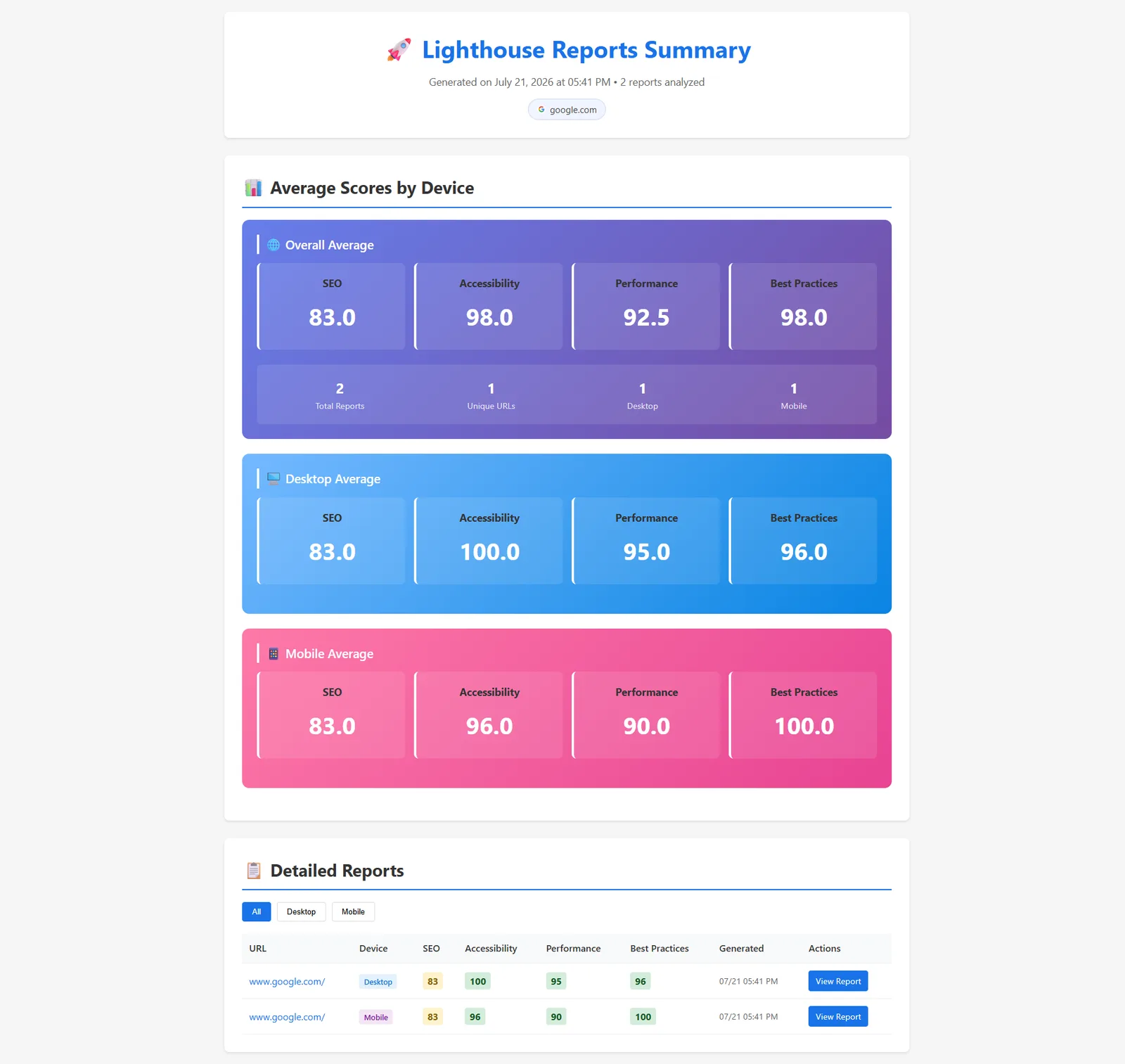 The summary report: overall and per-device average scores (desktop and mobile), plus the detailed reports table.
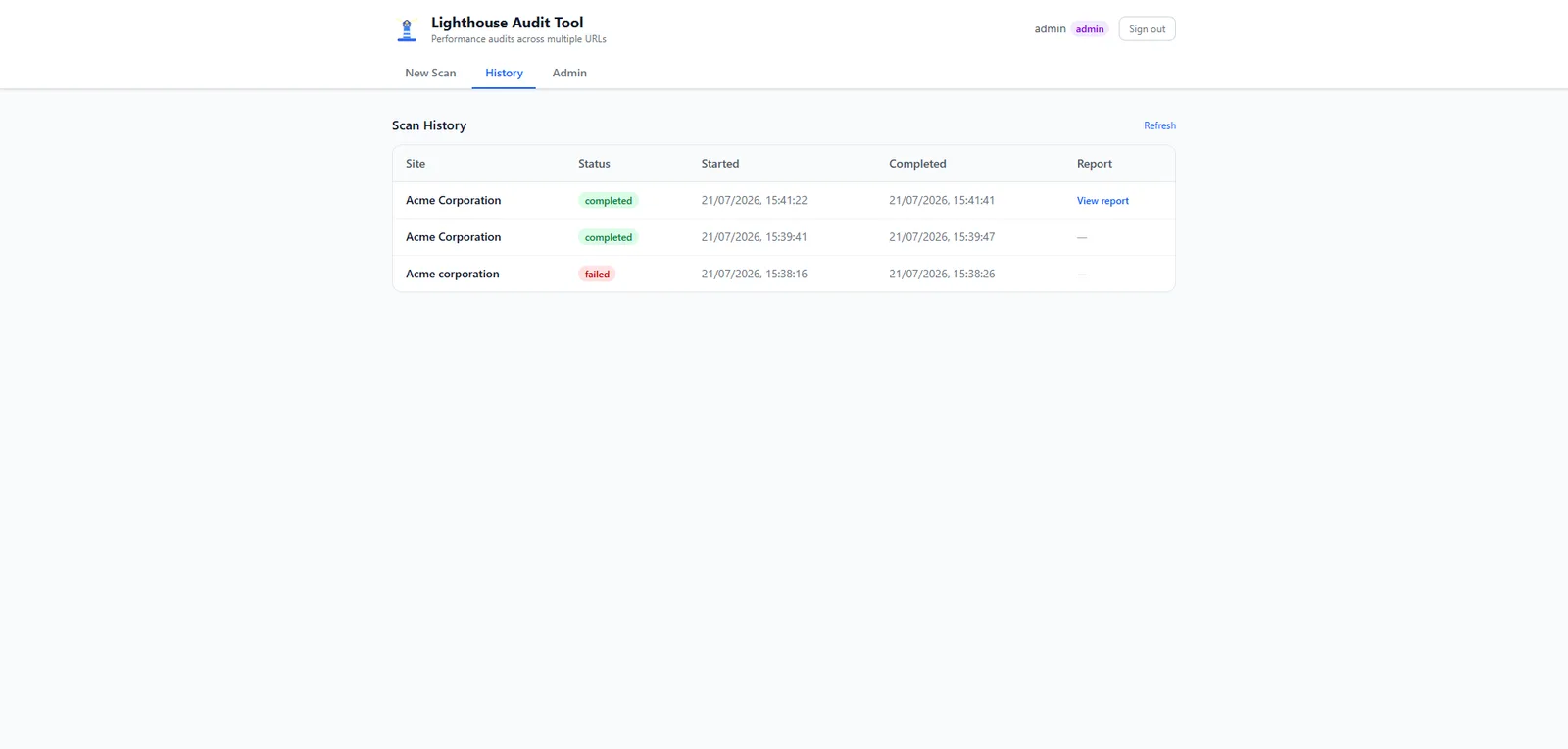 Per-user scan history, with the status of each run and a link to its report.
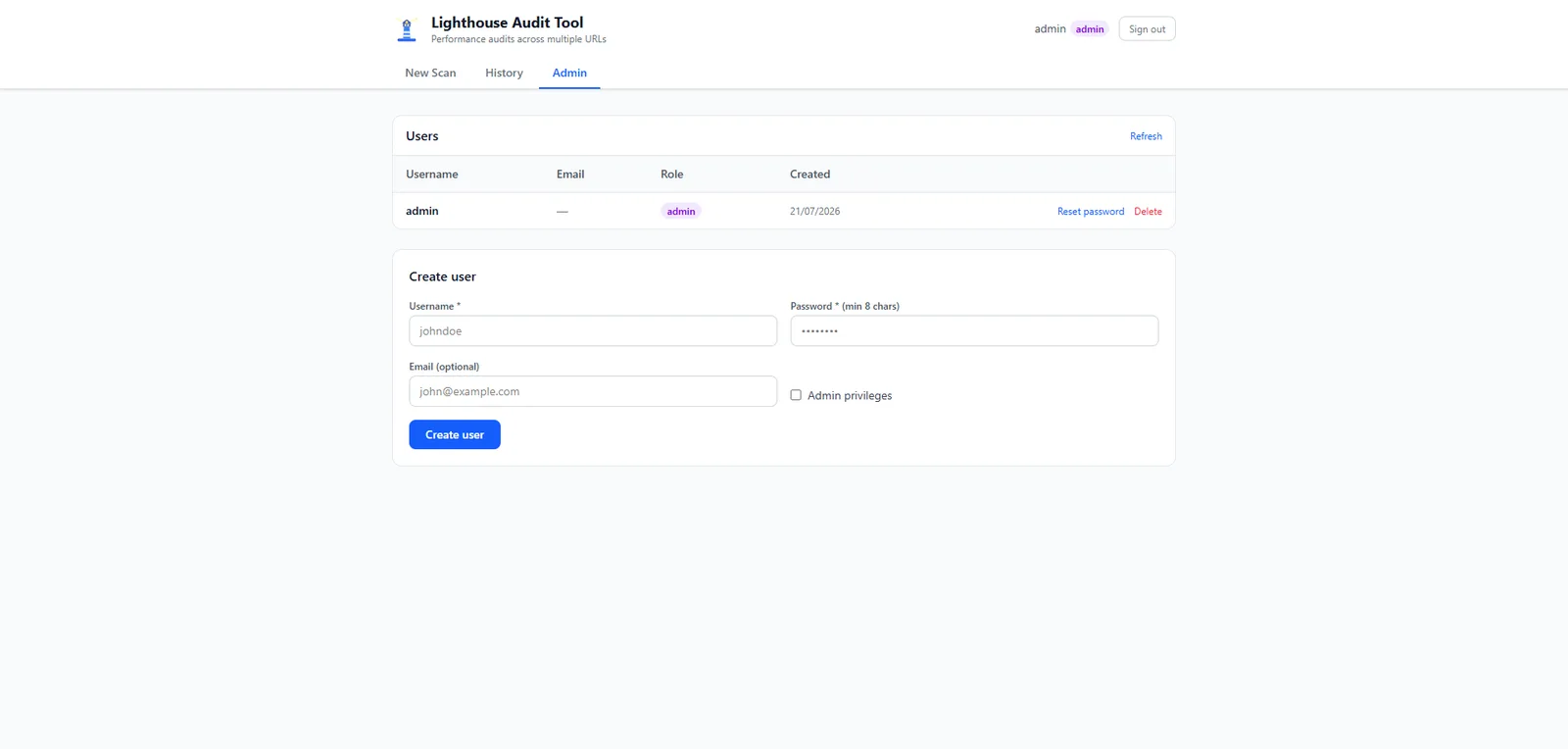 The admin panel: user creation, password resets and role management.
The outcome
Take a 20-page site as an example: done by hand, that’s 40 Lighthouse runs (desktop and mobile for every page) at roughly 2 minutes each between testing and copying scores — over an hour and a half in total, repeated at every check. With the tool, the same scan runs unattended in about 10 minutes, and the summary report with per-device average scores is ready to share. For the web team that means going from “we’ll do it when there’s time” to routine audits.
Tech stack
The backend is written in Python, the frontend in React. Python was chosen because at first a simple tkinter desktop GUI was all that was needed; over time the project evolved into a fuller web app: a React frontend, a FastAPI backend with JWT authentication, user management with an admin panel, and per-user scan history. Lighthouse is installed via npm and requires Chrome on the machine running the tests; in the Docker version for server deployment, however, Chrome and Lighthouse come already bundled in the image.